Schedule the job
Place accepted work into the right day and time.

RADYS brings client sites, jobs, staff, time, status and field actions together in the roster.
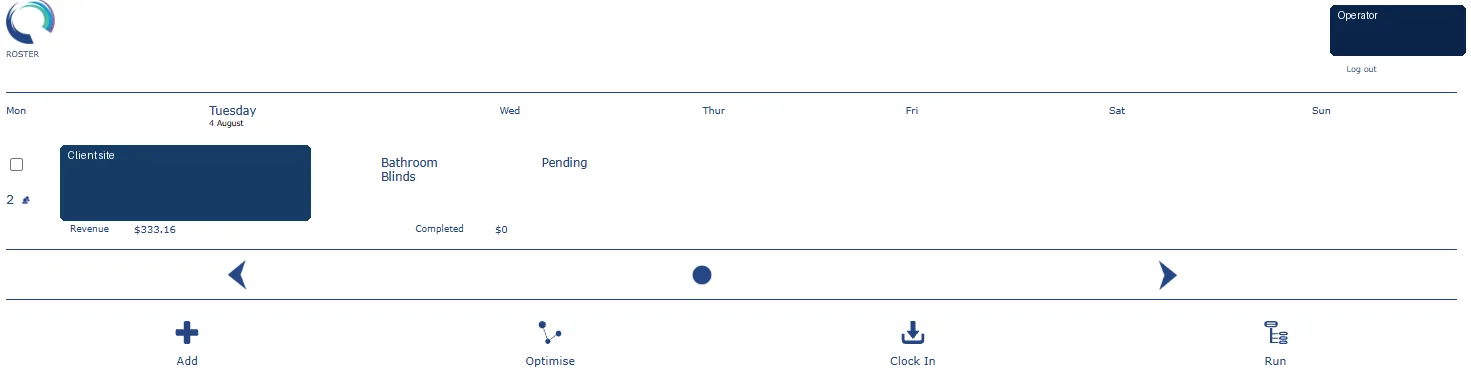
The roster can show the scheduled service, client site, time, current status and relevant operational actions.
Place accepted work into the right day and time.
Coordinate staff and operational requirements.
Use clock-in, optimisation, run and activity functions.
Keep scheduled and completed work visible.
Connect rostered work to service definitions and job details.
Use delivered work as the foundation for invoicing.
A demonstration can use your service model as the discussion point.
Enter the basics, choose your specialty and prepare your RADYS subscription workspace.
Set up the basics, choose your specialty and prepare a RADYS workspace around the way your field service business works.