Reduce reconstruction
Stop rebuilding the same job information at multiple stages.

RADYS is organised around a practical sequence. Each stage can use information established earlier, helping the business maintain continuity as the job moves.
Set up services, categories, clients, staff, pricing factors, materials, suppliers and business rules.
Use defined scope, duration, labour, margin, materials and fees to create clearer pricing.
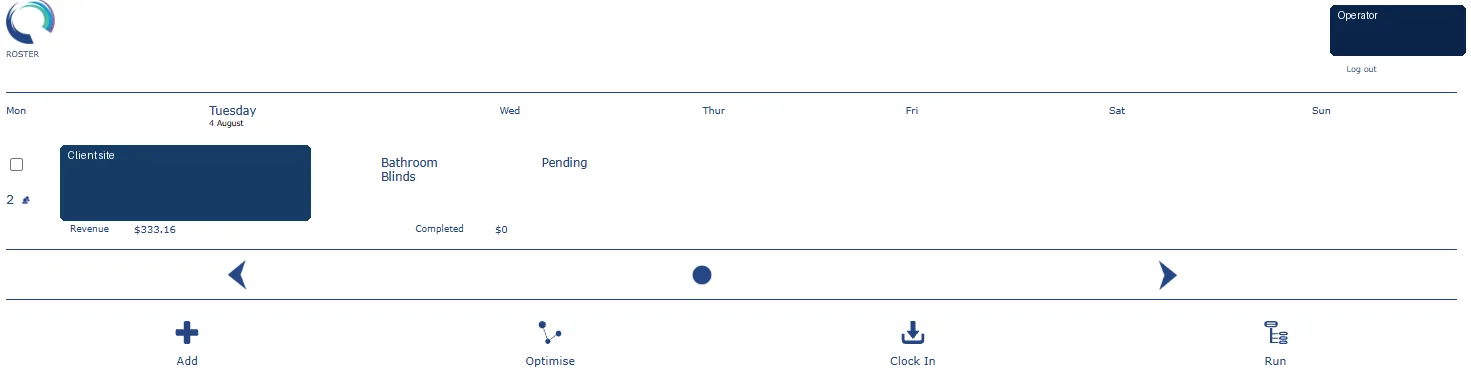
Place the job into the schedule and coordinate the appropriate person, time and location.
Support clock-in, status, activity, job detail and operational progress.
Use completed work to support billing, expense comparison and operational review.
A duration can inform pricing and scheduling. A material rule can inform preparation and costing. A service description can inform both the quote and the invoice.
Stop rebuilding the same job information at multiple stages.
Give operators a structured way to describe and deliver recurring work.
Make it easier to understand what was planned, delivered and billed.
Enter the basics, choose your specialty and prepare your RADYS subscription workspace.
Set up the basics, choose your specialty and prepare a RADYS workspace around the way your field service business works.