Platform overview
Build the operation once. Use it through the whole job.
RADYS begins with structured services, clients, staff, materials and operational settings. Those foundations support a connected workflow from the first quote through to completion and billing.
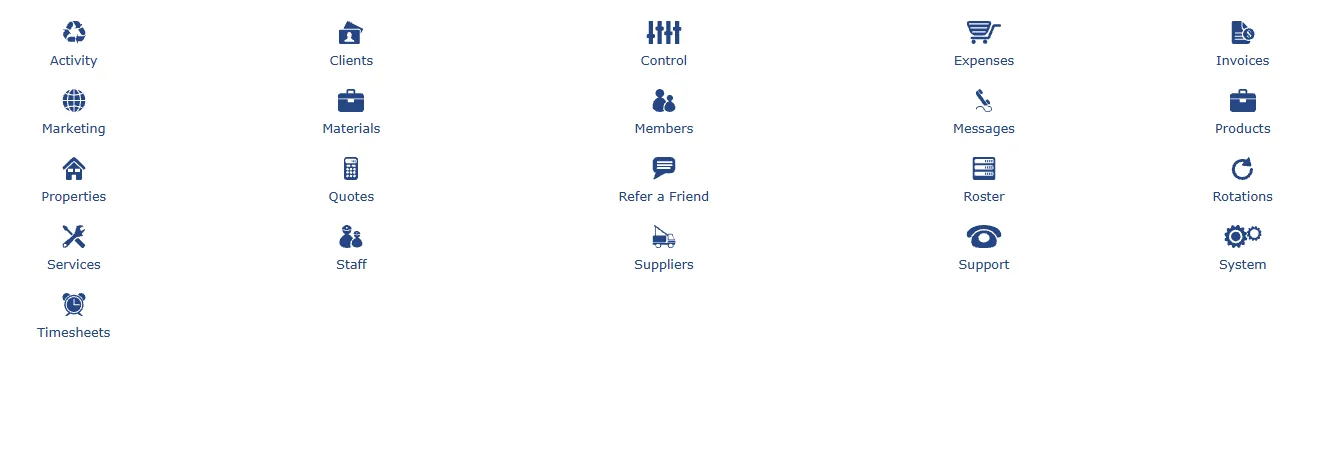
The platform model
Shared information supports every stage.
ClientsPeople, organisations, sites and relationships.
ServicesDuties, quote text, invoice text and service rules.
StaffTeam members, availability, pay and operational factors.
MaterialsProducts, suppliers, stock, pricing and application rules.
QuotesScope and pricing based on configured operations.
RosterTime, people, clients, jobs, routes and status.
InvoicesBilling setup, terms, attachments and job detail.
ExpensesCategories, metrics and performance comparisons.
TimesheetsWork time and activity records.
MessagesOperational communication and updates.
SuppliersMaterials and supply relationships.
ControlConfiguration, permissions and system settings.
Service definition
Describe the work clearly before anyone quotes or delivers it.
A service can include the job type, description, status, quote wording, invoice wording and other operational instructions. This gives the business a repeatable starting point.
1
Clear scope
Document what the service includes and how it should be described.
2
Consistent communication
Use service detail in quotes, messages and invoices.
3
Operational structure
Connect categories, factors, materials, photos and custom information.
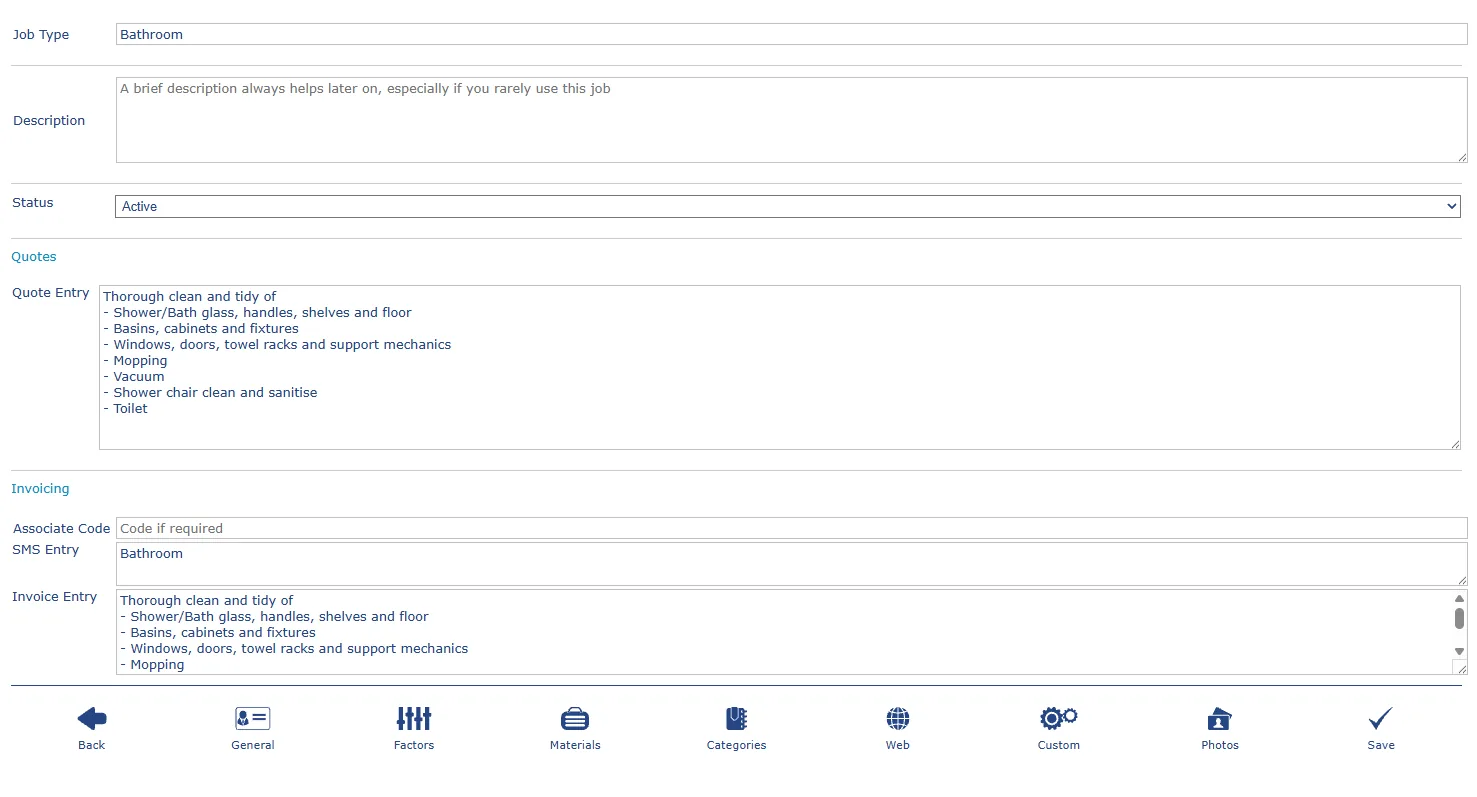
Service definitionJob scope and communication
Ready to map RADYS to your workflow?
A demonstration can focus on the modules and operating details most relevant to your business.
Get RADYS working for your business
Get StartedReady to move from exploring to setting up?
Enter the basics, choose your specialty and prepare your RADYS subscription workspace.